

- Role
- Software Engineer · Personal Project
- Exploration · Frontend interaction design
- Service
- Product development
The problem
Interactions like moving through a list, changing a time slot, or filtering search results can interrupt a task when selection, focus, or previous input is lost.
What I explored
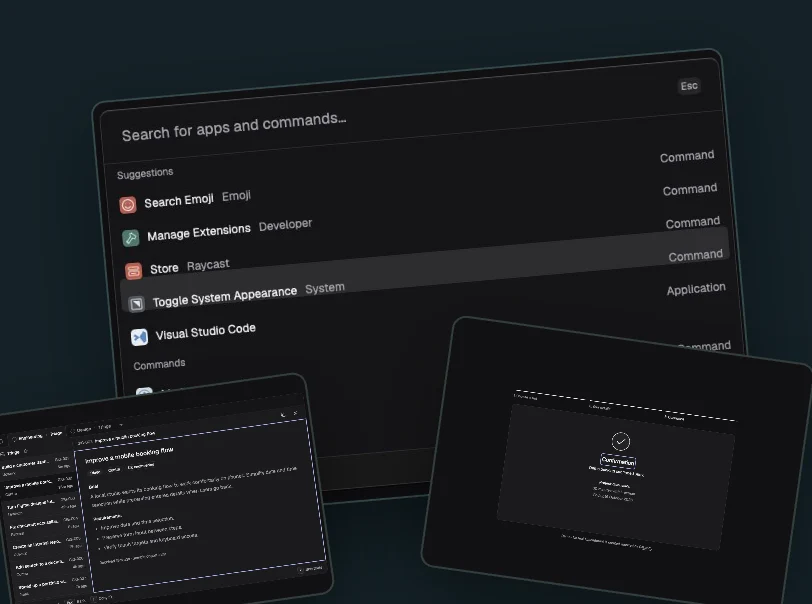
I built three interactive studies in one React showcase. In Triage, I paired keyboard navigation with a peek preview and restored focus when details closed. In Booking, I preserved the selected slot and entered details when users went back. In Search, I kept the selected result when possible during filtering and reset contextual actions when the result changed. I used shared UI primitives and motion timings across the studies, with reduced-motion behaviour where appropriate.
What I learned
The showcase demonstrates how preserving selection, focus, and input helps people continue a task as the interface changes. It includes fictional inbox data and simulated booking availability and confirmation.
Key features
Tools and technologies
Ask about Interface Studies
Available for new projects
Need a product that fits how you work?
Let’s build a product around the way your customers and team work.
 Freemancodz
 LinkedIn